





Pipefy has a virtual assistant that answers your product questions without taking you out of your workflow. On the pipe screen, it appears in 1 of these 2 ways, depending on your account:
- Piper: Pipefy's support assistant, which also connects you to our support team
- Copilot: the product's AI assistant, in beta for a group of customers
In this article, you find out which assistant is available to you and how to get help from any screen in https://app.pipefy.com/.
On the pipe screen: see which assistant appears for you
Open any pipe and look at the bottom right corner of the screen. That's where your assistant is available while you run your process.
If you see the Support button, your assistant is Piper
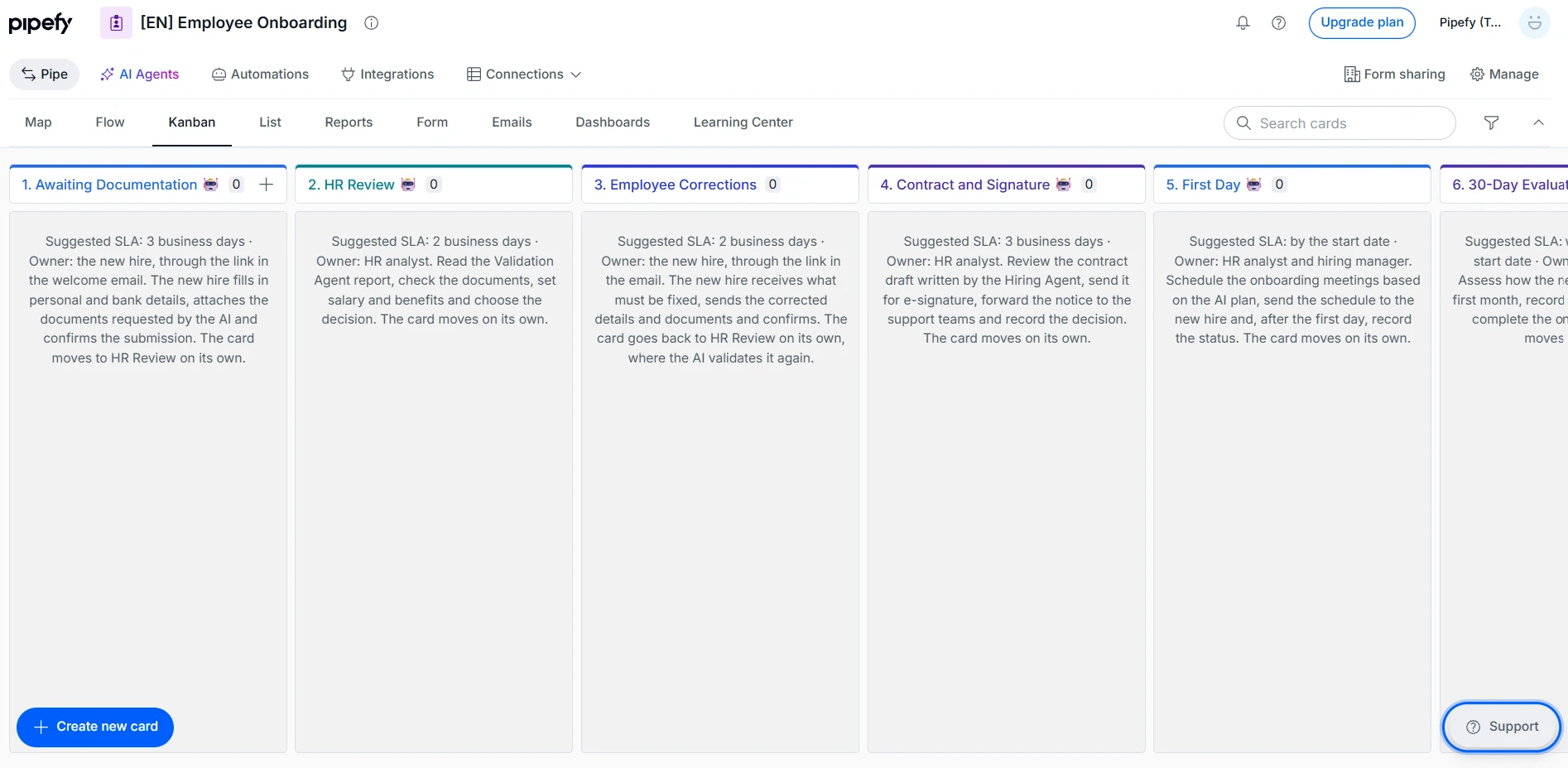
- Ask product questions: click Support, then click "Send us a message" and type your question, without leaving the pipe
- Talk to someone on our team: when your question needs more, you move the conversation to human support, based on the support included in your plan
If you see the Copilot icon, your account is part of the beta
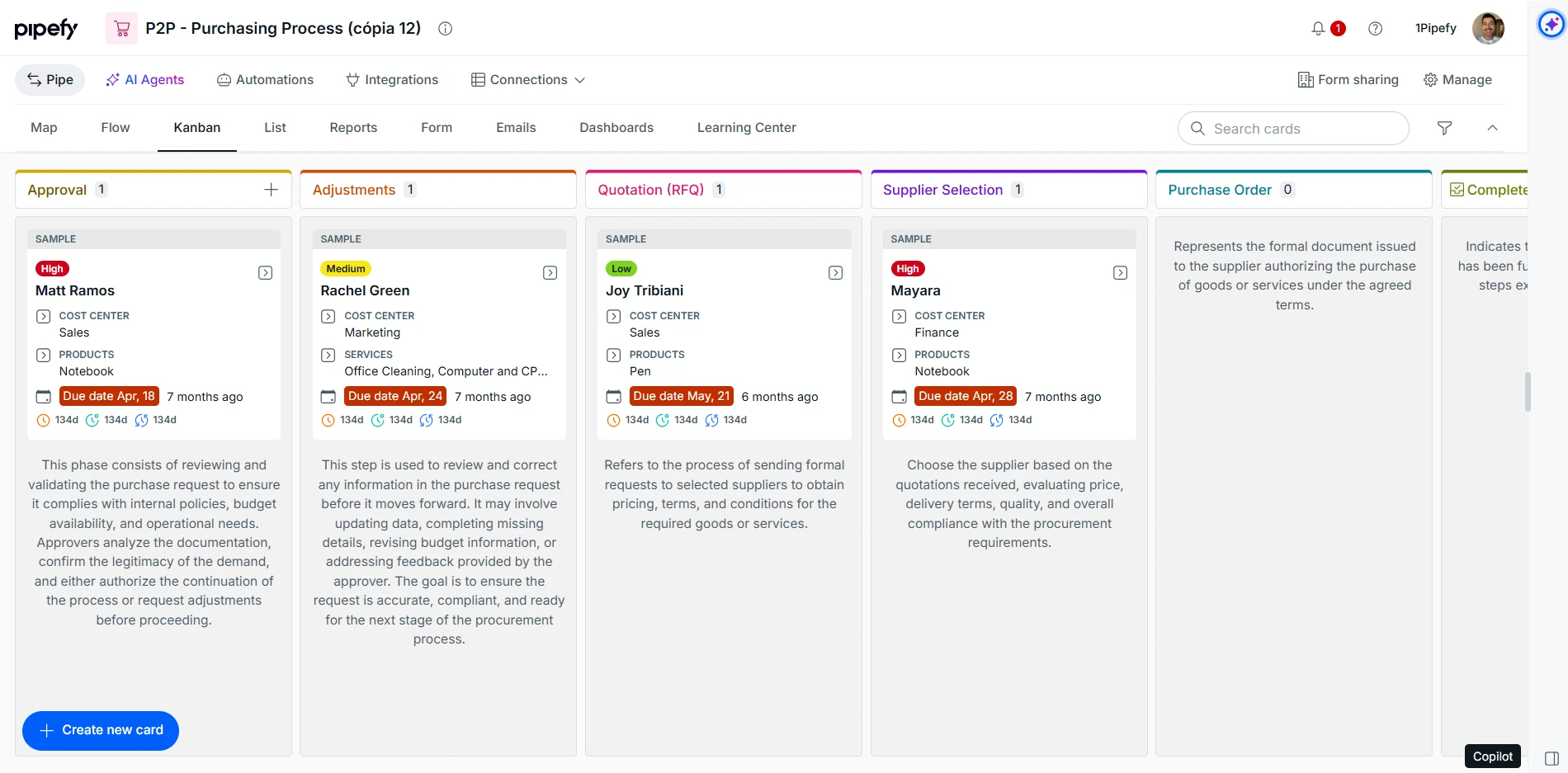
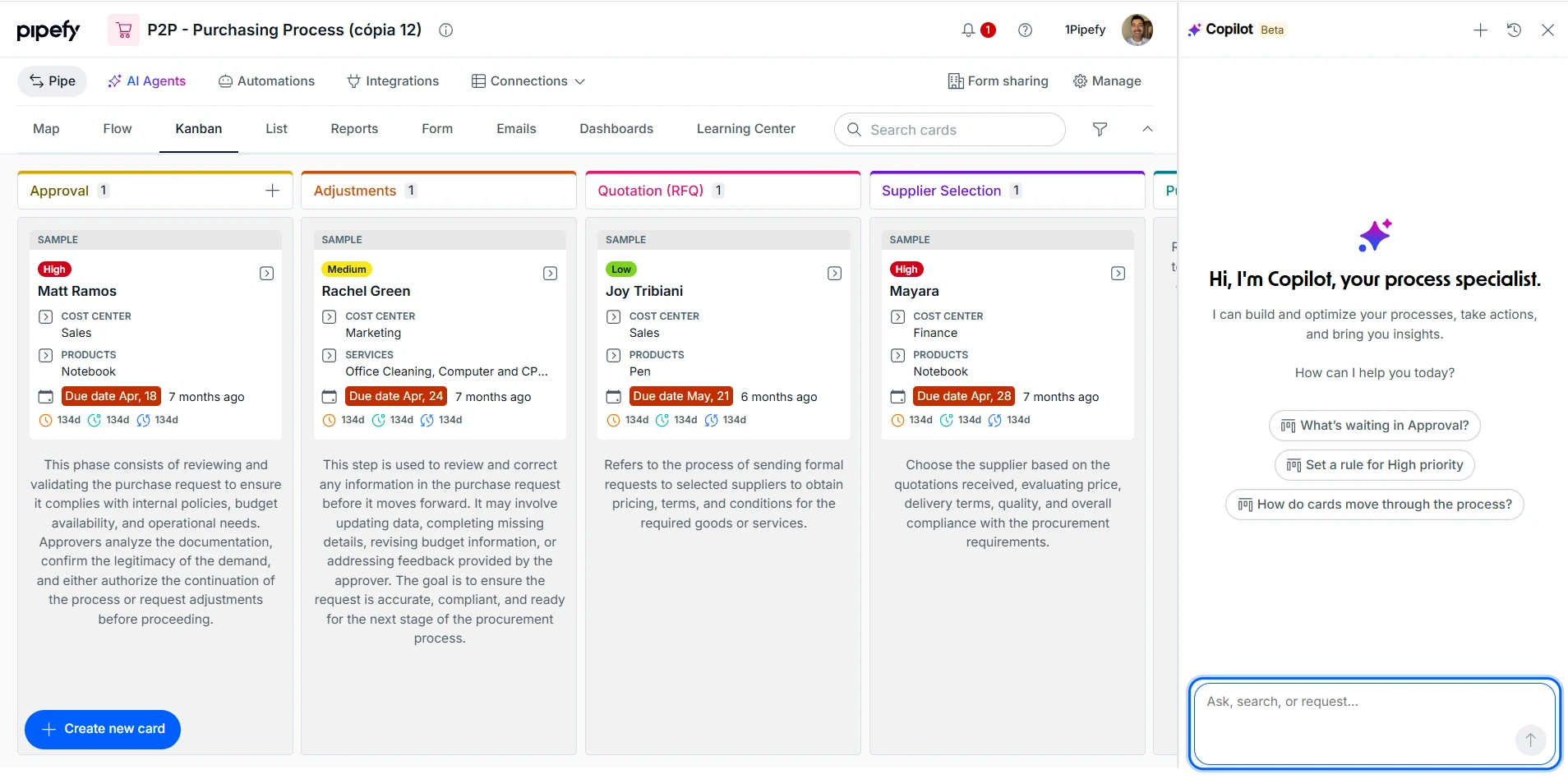
- Chat with the product's AI: click the Copilot icon on the right side of the screen and ask for help right in the pipe
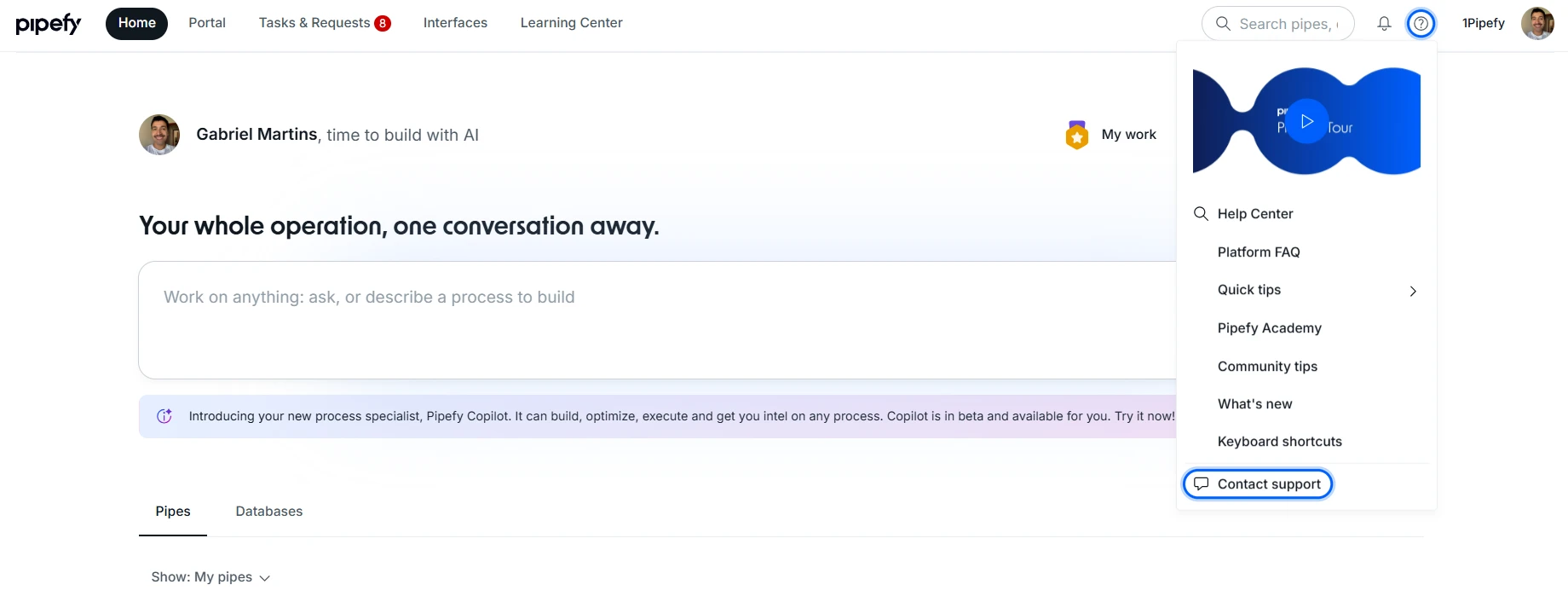
- Need our support team? Use the help menu at the top of the screen, as shown below.
On any screen: talk to Piper from the help menu
Piper is always 2 clicks away, on every screen of the app and for every account, including those that already use Copilot.
- Click the ? icon in the top menu, next to notifications
- Select Contact support
- Type your question and chat with Piper
In the same menu, you also find the Help Center, Pipefy Academy, Community tips and What's new.
How this helps
- You get answers in the context where you're working, without opening another tab or looking for another channel
- You always have a path to our support team, through the Support button in the pipe or the help menu on any screen
- You save time to focus on your process, with answers the moment you need them
Plans and availability
- Piper: available to all Pipefy customers, through the help menu on any screen and the Support button on the pipe screen
- Copilot: in beta for a group of customers. In these accounts, Copilot replaces the Support button on the pipe screen
Human support is available based on the support included in your plan.
