




👤 For people who build and maintain integration flows.
🔐 Available for organizations using Pipefy's iPaaS.
🎯 For people who want to apply best practices and understand flow usage limits.
This guide is designed to help you build robust, high-performance automations using Pipefy's iPaaS. By following these best practices, you ensure that your flows run efficiently, stay within system limits, and provide a reliable experience for your business processes.
What you will learn:
Understanding System Limits
To maintain platform stability and performance for all users, we have established the following operational boundaries. Please consider these when designing your integration flows:
| Limit Category | Value | Description |
|---|---|---|
| Webhook Response Time | 30 Seconds | The time allowed for a flow to acknowledge an incoming webhook trigger. |
| Maximum File Size (Files Utility) | 10 MB | The largest file size permitted for steps from the Utility (e.g., files helper). |
| Flow Execution Timeout | 5 Minutes | The maximum total time a single flow execution can run before it is automatically stopped. |
| Memory Limit | 512 MB | The maximum amount of memory available for a single flow execution. |
| Code time execution | 90 seconds | The maximum total time to keep running code in a step. |
| Job retries | 24 hours | The data required to retry a failed execution is stored for 24 hours. You can manually retry any failed step within this window. After 24 hours, the execution data is cleared from memory, and retries will no longer be available for that specific run. |
| Logs retention | 30 days | The maximum retention period for log data (runs) is 30 days. During this period, you will be able to analyze and view the details of each flow run. |
| Concurrent executions | 10 | The total number of runs concurrent at the same time per pipe. |
| Flows | Unlimited | The total allowed active flows. |
| Steps in a flow | Unlimited | The maximum number of steps allowed within a single flow is subject to memory limitations and the complexity of the code. |
| NPM packages | Not allowed | The use of NPM packages is prohibited in ST environments when a VPN is active. |
Best Practices for High-Performance Flows
Optimize Code Usage
While the Code Piece offers great flexibility, it should be used judiciously.
Prefer Native Pieces: Always check if a native Utility or Data Helper piece can solve your problem before writing custom code. Native pieces are faster and more resource-efficient.
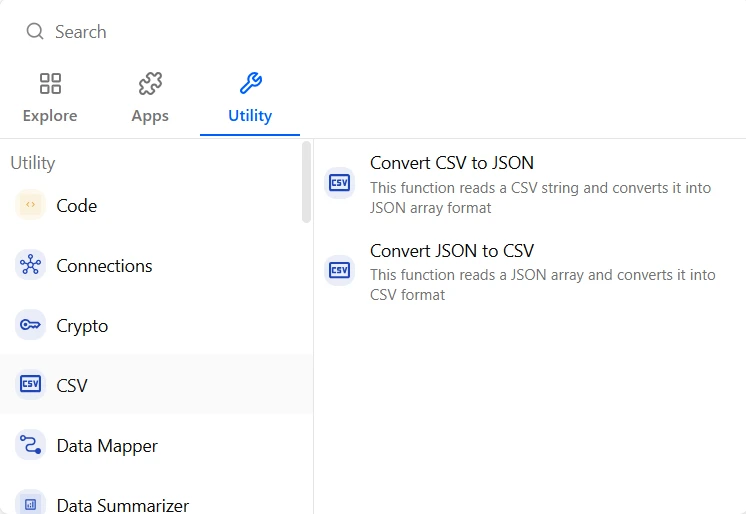
Avoid Complex Logic in Code: Highly complex algorithms within a Code Piece can significantly increase processing time and memory consumption, risking a flow timeout.
Minimize External Packages: Installing multiple npm packages within a Code Piece adds "weight" to your flow. Only include essential packages that cannot be replaced by simple logic or native tools.
Efficient File Handling (Critical for Stability)
Handling files incorrectly is the #1 cause of "Out of Memory" errors.
Avoid Base64/Buffers: Do not convert files to Base64 strings or large Buffers within your code. Base64 increases file size by ~33%, and processing it in memory can triple the RAM usage, causing the flow to crash.
Use Signed URLs (Streaming): Instead of downloading a file into memory, use the Signed URL provided by Pipefy or the File Utility piece. Your code should "stream" the file directly from the URL to the destination service (e.g., ABBYY, S3, etc.).
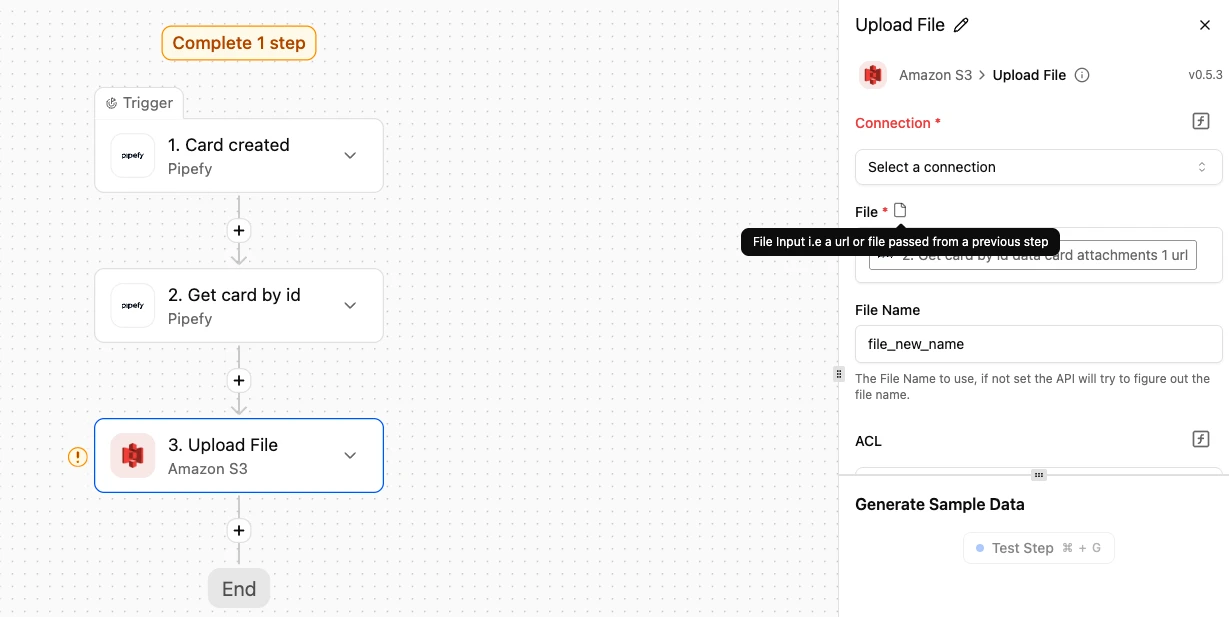
Trust Metadata: Use the Content-Type (MIME type) already registered in the storage metadata instead of trying to manually detect or convert file types within the code.
Modularize with Subflows
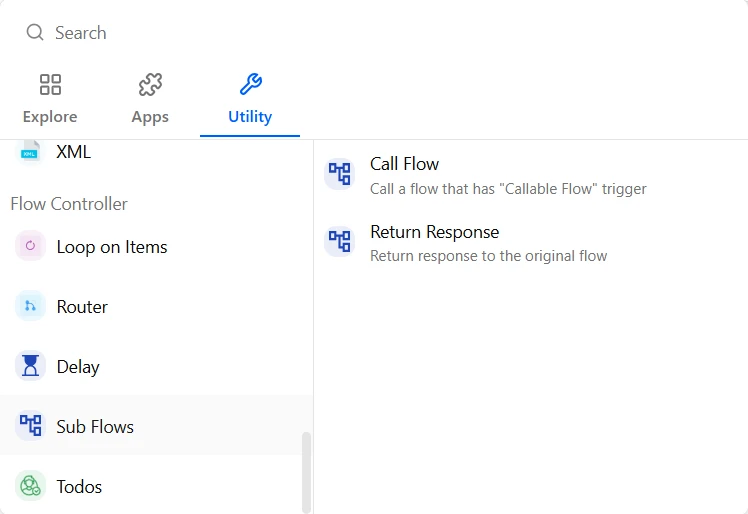
If your process is long or handles heavy data (like PDF generation or large file processing), break it into subflows.
Why? Each subflow gets its own fresh set of limits (timeout and memory). This prevents a single long flow from "starving" for resources and failing halfway through.
Benefit: Smaller flows are easier to debug, maintain, and reuse across different projects.
Implement Validations & Error Handling
Don't let your flows fail blindly.
Pre-flight Checks: Use a Router (Branch) to validate data before making an expensive HTTP request. Ensure mandatory fields are present and correctly formatted.
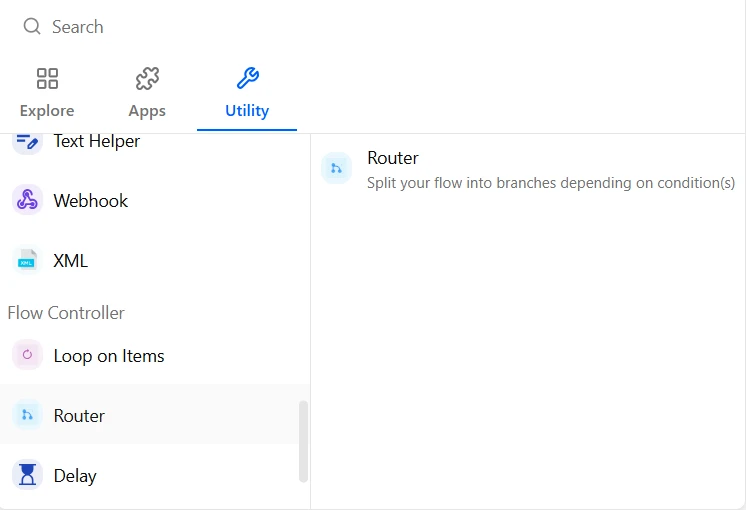
Handle API Errors: Always design your flow to handle non-200 responses from external APIs. Use conditional logic to manage errors gracefully instead of letting the entire flow crash.
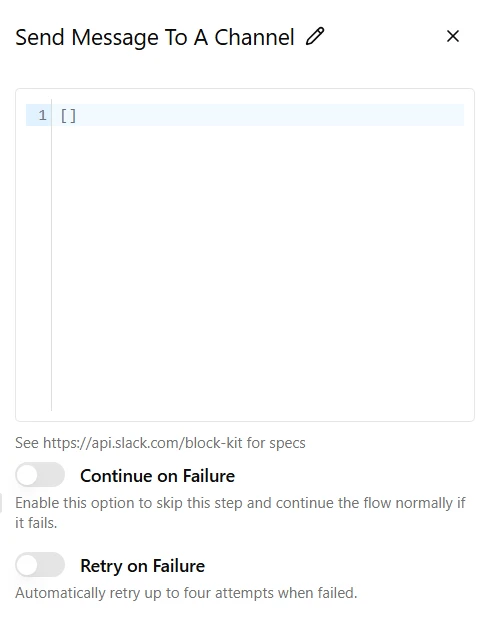
Handle Errors Gracefully: If the success of your flow is essential, employ the 'Continue on Failure' setting and establish a recovery path to manage the error effectively.
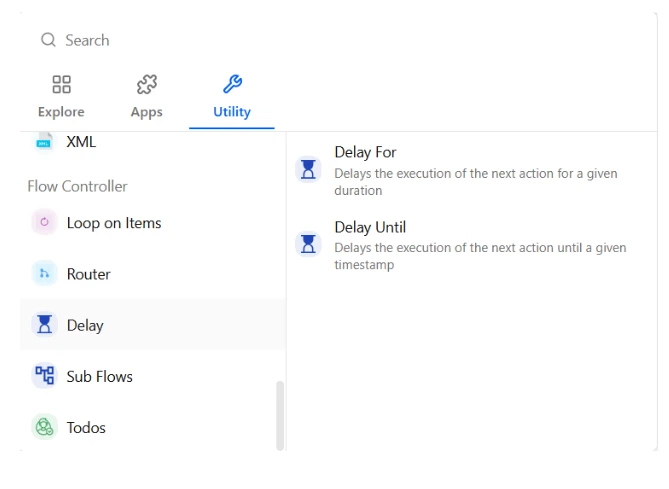
Delay: To maintain platform stability, all flow executions are subject to a 10-minute hard timeout. If your integration interacts with systems that require significant processing time, keeping the connection open will result in a timeout error. The solution is to use the Delay Utility, instead of waiting actively
Smart Memory Management
Avoid Large Polling: When fetching logs or data, only request new or incremental information. Storing massive datasets in memory during a flow execution is the fastest way to hit the memory limit.
Streamline File Handling: Use native storage utilities to handle files via signed URLs rather than processing large base64 strings directly in code pieces.
Summary Checklist for Success
☐ Can I replace this Code Piece with a native Data Helper?
☐ Is my flow likely to run for more than 10 minutes? (If yes, use subflows).
☐ Am I validating input data before sending it to an external API?
☐ Are my file attachments under 10 MB?
☐ Am I only installing essential packages in my Javascript steps?
