



Overview
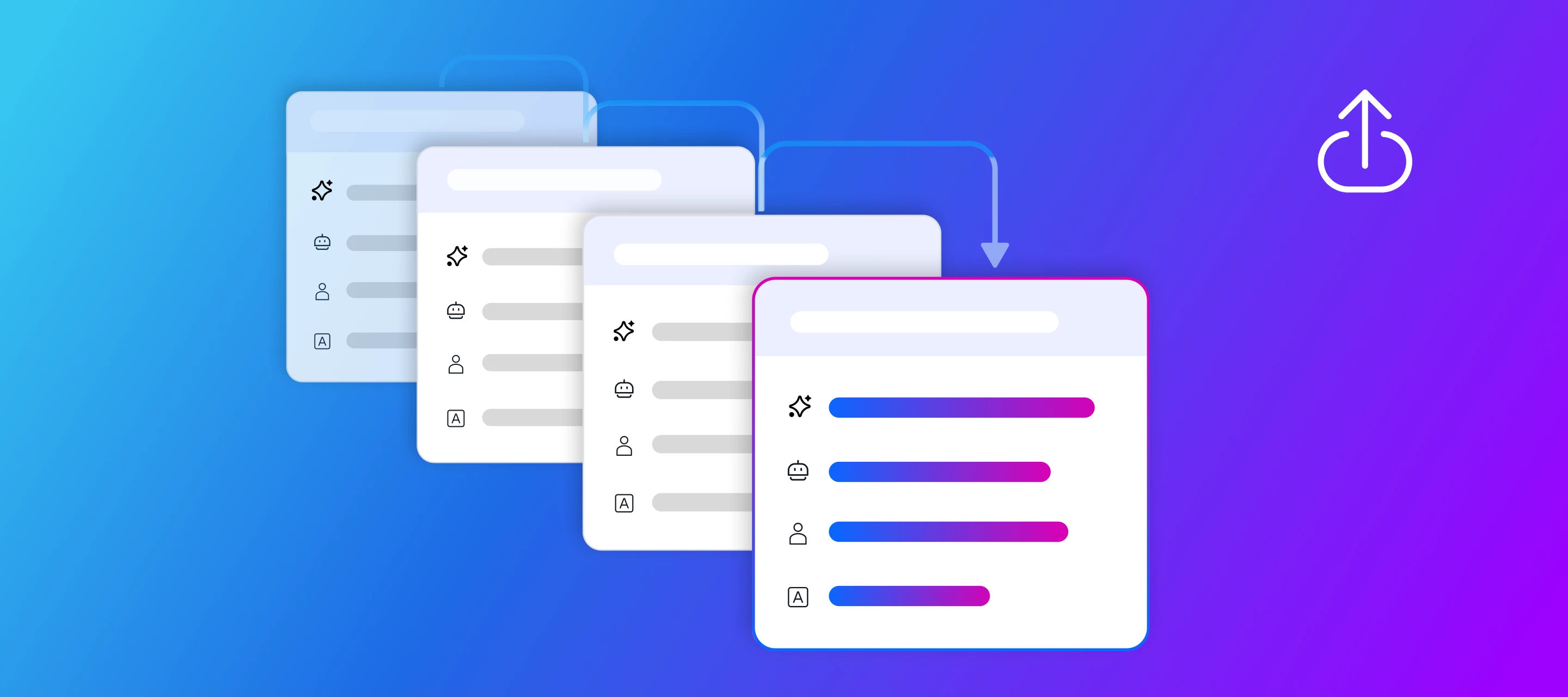
Investigating AI Agent executions just got faster. AI Agent Logs now include additional filters, a new Card ID column, and a calendar mode for selecting date ranges, making it easier to find the exact execution you need without scrolling through long lists.
What's new?
- Date range calendar: filter executions by a specific period directly from the date picker.
- Card ID column: see which card each execution is linked to and jump straight to it.
- Triggers column and filter: identify what started each execution and filter by trigger type.
- Improved keyword search bar, now displaying results correctly.
How does this help?
- Less time searching: the date range calendar removes the need to scroll through long execution lists to find the right period.
- Direct traceability: the Card ID column links each execution to its corresponding card, making audits and targeted investigations easier.
- More precise diagnosis: the Triggers filter isolates executions by what started them, helping you quickly spot unexpected behavior.
Use cases
1. Support team investigating an escalated ticket
The support team uses an AI Agent for automatic ticket triage. When a customer reports that an automated response went wrong, the analyst opens AI Agent Logs, selects the incident day date range in the new calendar, and filters by Trigger equal to Webhook received. In seconds they find the exact execution, without opening and discarding dozens of runs from other days.
2. Compliance auditor reviewing automated approvals
An AI Agent classifies purchase requests and triggers automatic approvals above a certain value. During a quarterly audit, the compliance team uses the Card ID column to match each agent execution to its corresponding card in the approvals pipe, confirming that every automated decision has a traceable record back to its source card, without manually cross referencing spreadsheets.
3. Pipe Admin monitoring failures by source
A Pipe Admin notices an increase in errors from an AI Agent that answers questions via chatbot. Using the Triggers filter, they isolate only the executions triggered by New chat message and cross reference the period reported by users using the date range calendar. This shows the errors are concentrated in a specific time window, pointing to a root cause without having to review executions triggered by other events.
4. Builder fine tuning a newly published AI Agent
A Builder just published a new version of an AI Agent and wants to confirm it is reacting to the right triggers. They use the keyword search in AI Agent Logs, now working correctly, to locate executions mentioning a specific process term, and cross check the Triggers column to confirm each execution started from the expected event before releasing the agent to all users.
Most relevant for
- Pipe Admins
- Builders
- Support Teams
- Compliance and Audit Teams
Plans and availability
This feature is now available to all Pipefy accounts.
