




Overview
Pipefy is expanding its presence in the Anthropic ecosystem to give teams a direct way to query data, trigger workflows and manage pipes without leaving Claude. This integration has two complementary paths: a connector, available today, and a native plugin that brings prebuilt agent workflows and interactive commands into the Claude interface.
What's new?

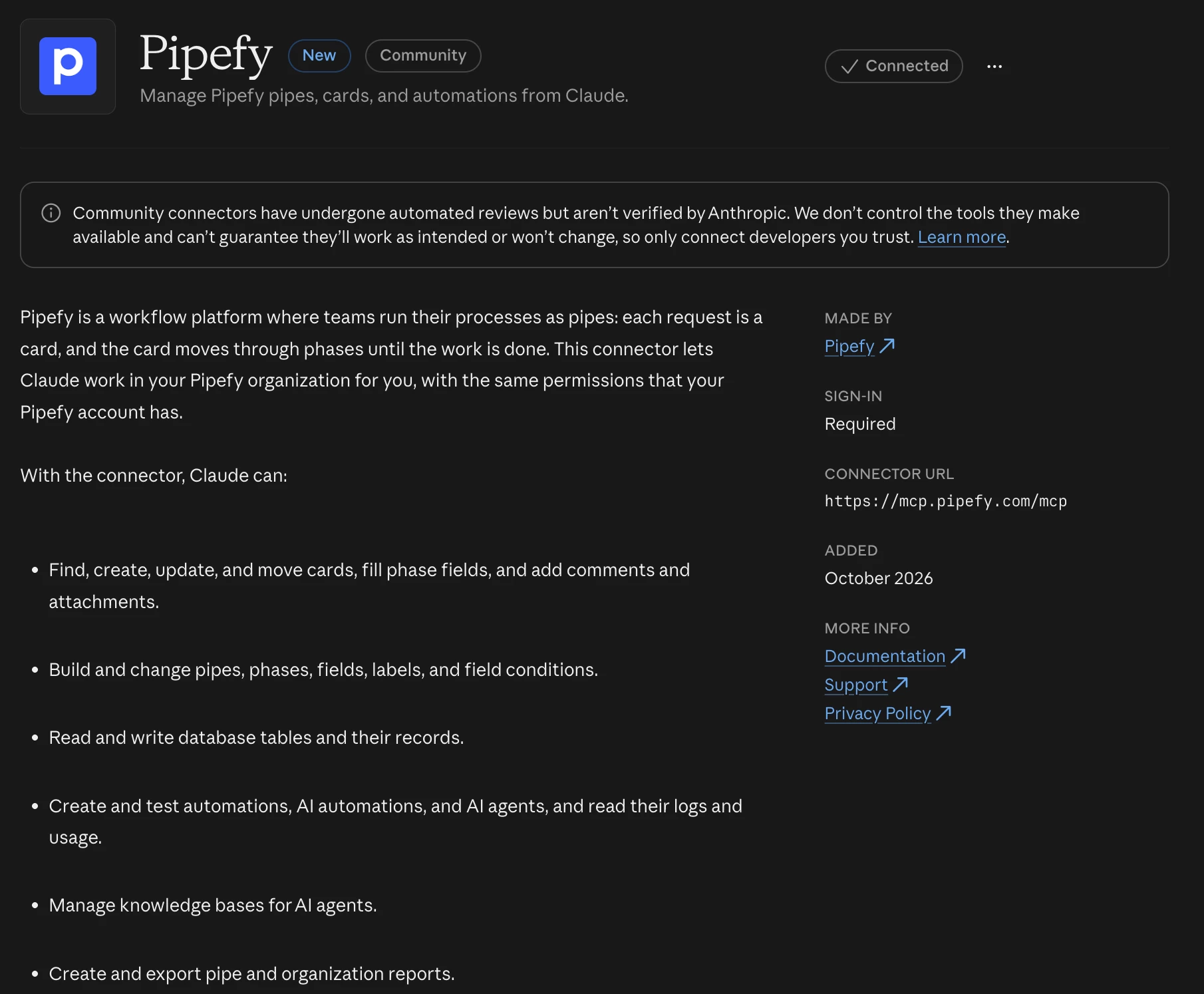
- Claude Connector available in the Claude Directory, linking Pipefy to Claude with no additional setup.
- Querying data, triggering workflows and managing pipes happening directly inside a Claude conversation, through the MCP protocol.
- Pipefy's native plugin under review by Anthropic, bringing prebuilt agent workflows and interactive commands into the Claude interface once approved.
- The same connection approach being extended to other enterprise AI marketplaces, such as Microsoft Copilot and Cursor.
- Connector and plugin solve different needs: the connector links Claude to your Pipefy data through MCP, while the plugin adds prebuilt agent workflows and interactive commands directly inside the Claude interface.
How does this help?
- No setup friction: the connector links Pipefy to Claude straight from the Directory, so teams start querying pipes and cards without any extra configuration step.
- Actions without switching screens: questions and commands inside Claude can already trigger workflows and update cards in Pipefy, cutting down on tool switching throughout the day.
- On demand visibility: anyone with access to Claude can check the status of a process without opening Pipefy, speeding up decisions that depend on a quick answer.
Use cases
1. Support analyst checking a ticket status right inside Claude
A support analyst opens a Claude conversation and asks for the status of a ticket logged in the Service Desk pipe. With the Claude Connector active, the assistant queries the matching card in Pipefy and returns the current phase, assignee and deadline right in the conversation. The analyst stops opening Pipefy just to answer a status question.
2. Operations manager moving an approval card from a plain language request
After validating a budget, a manager asks Claude to move the matching card into the final approval phase. The connector turns that request into an actual move action on the pipe, without the manager having to locate the card manually inside the product. The approval no longer depends on someone being logged into Pipefy at the exact moment the decision happens.
3. Builder checking a pipe's structure before designing a new automation
Before building an automation for a Procurement process, a builder asks Claude which phases and fields exist in the matching pipe. The connector returns the pipe's structure live, right inside the conversation. The builder stops switching to Pipefy just to check the modeling before planning the automation.
4. Operations team centralizing recurring routines once the native plugin is approved
With the plugin active, an operations team will be able to run interactive commands inside Claude for recurring tasks, like generating a pipeline summary for a process without opening Pipefy. The goal is fewer open screens during day to day followup.
Most relevant for
- IT Leaders
- Builders
- Operations Managers
- Pipe Admins
Plans and availability
The Claude Connector is already available in the Claude Directory. Pipefy's native plugin is still under review by Anthropic, with no confirmed launch date yet. We will update this post as soon as it gets approved.
