



Overview
When you open the detail drawer for an execution in AI Agent Logs, the corresponding row is now highlighted in the list, keeping a clear reference between what you're reviewing in detail and where that execution sits in the list.
What's new?
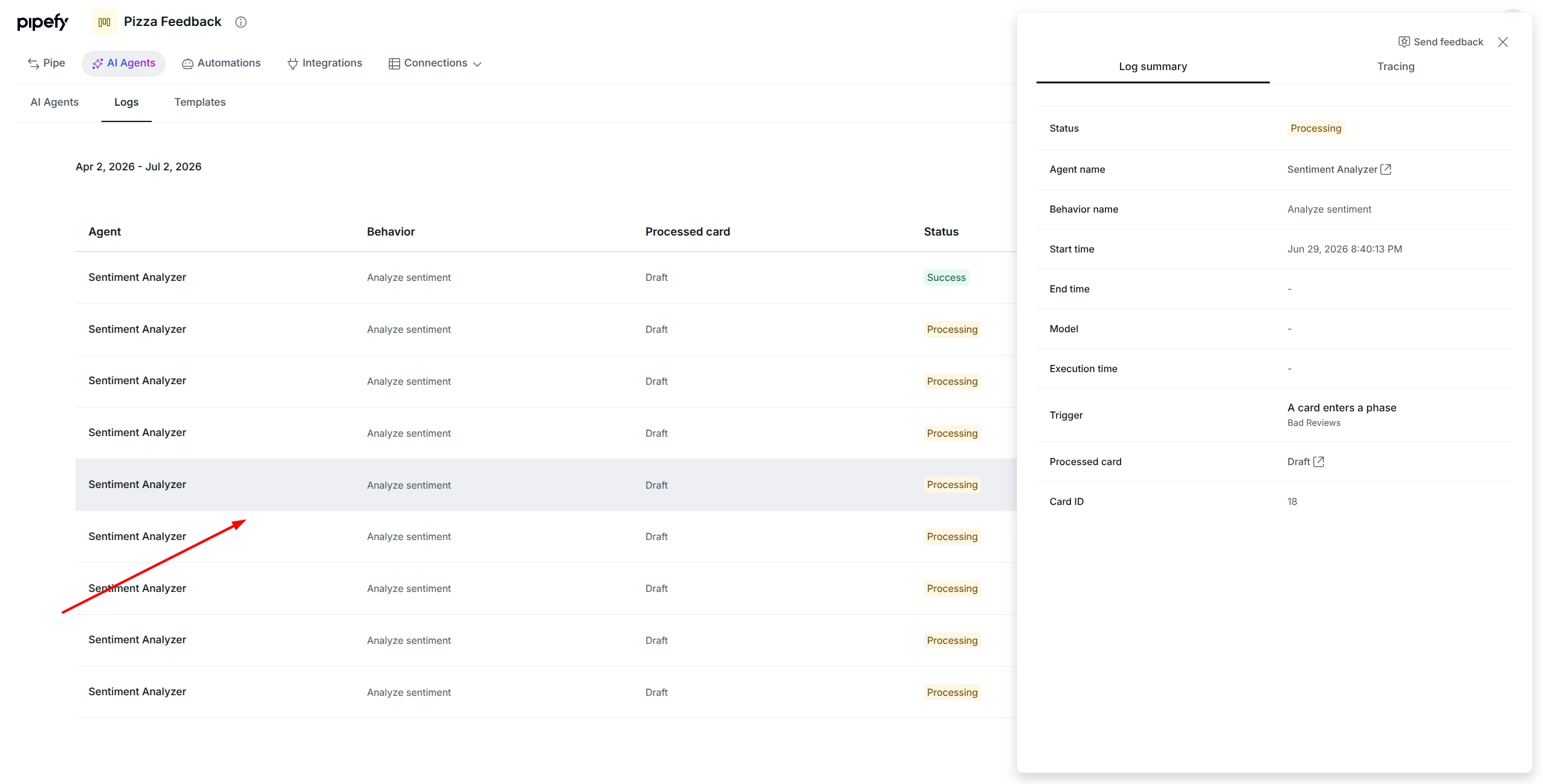
- The selected execution's row is visually highlighted in the list whenever the detail drawer is open, in AI Agent Logs.
How does this help?
- Constant visual reference: you can immediately tell which execution you're reviewing, even while switching between the list and the detail drawer.
- Less rework in long reviews: in long lists of executions, you don't lose track of where you left off when returning to the list.
- Faster diagnosis: comparing agent decisions across nearby executions becomes more direct, without having to reidentify the row every time you switch context.
Most relevant for
- AI Administrators
- Operations Teams
- Support Analysts
