



Overview
We are rolling out a new update to improve how you build, document, and monitor the performance of your integrations.
These enhancements provide greater agility when handling complex processes and ensure instant visibility into the health of your automations.
What’s new?
Flow Map Navigation
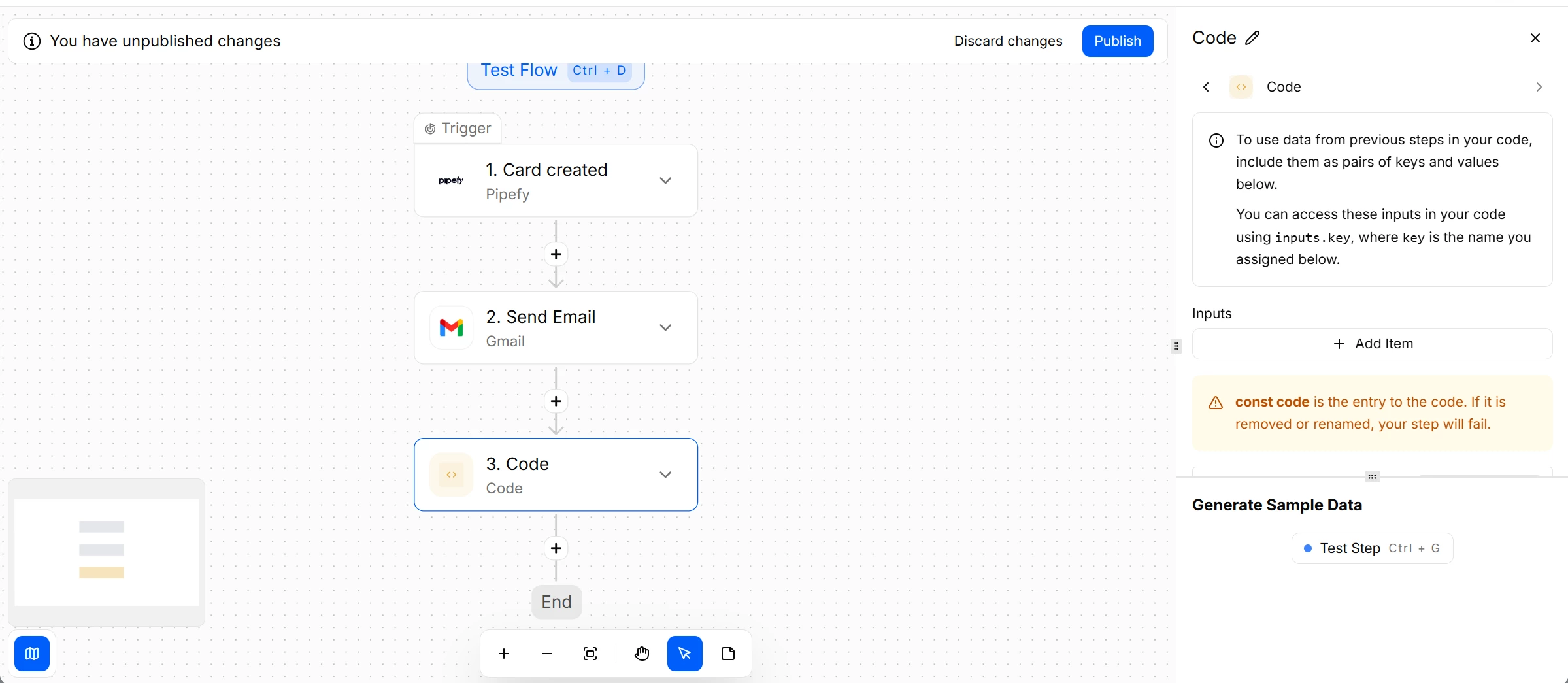
A new visual mini-map is now available within the integration builder. It allows you to quickly pan and navigate across large, complex workflows, making it easier to locate specific steps without exhaustive manual scrolling.
In-Flow Notes
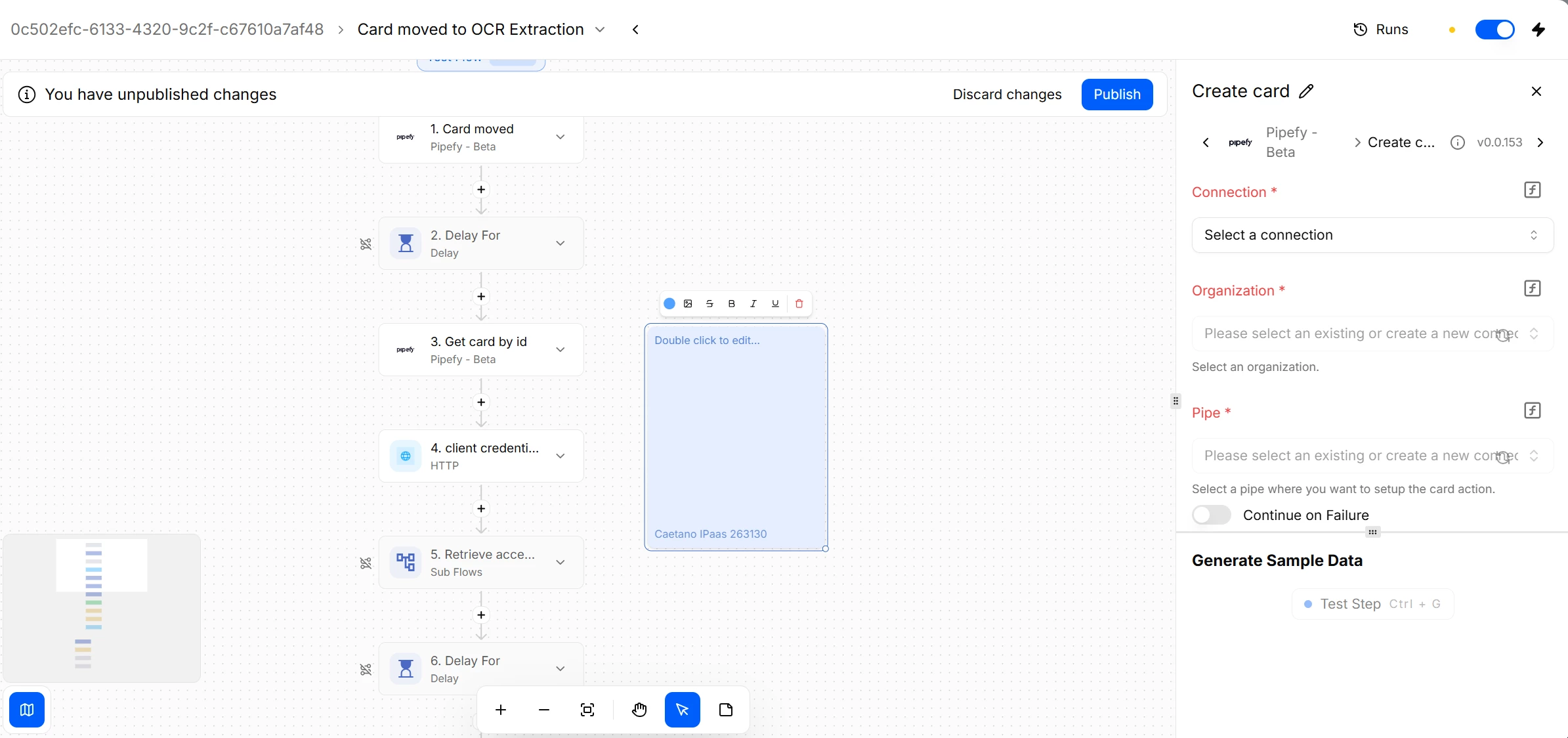
You can now add text note blocks directly onto the builder canvas. This feature allows you to document business logic, explain API configurations, or leave instructions for other builders, centralizing technical knowledge exactly where the automation happens.
Total Duration Badge
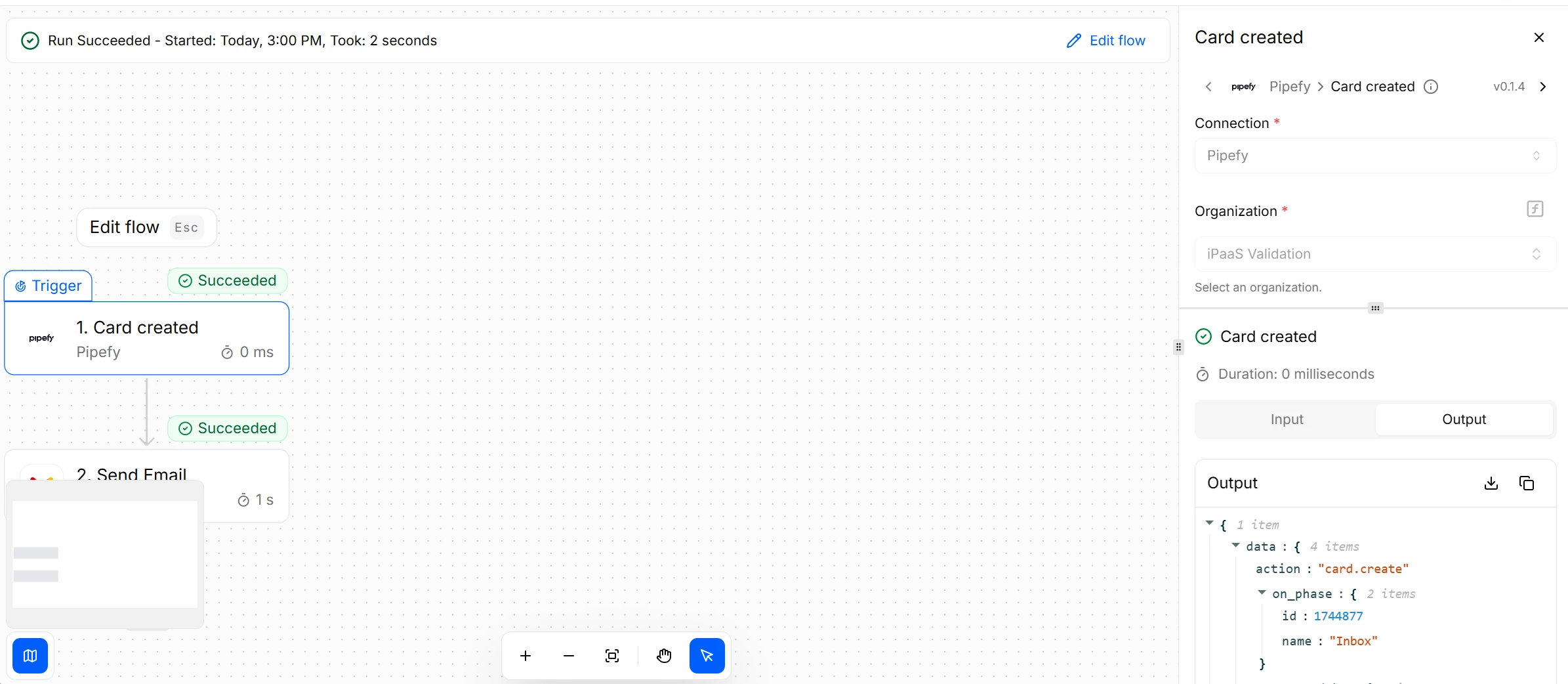
When executing a flow or viewing previous runs, a new duration badge will appear next to the action buttons. This provides instant visibility into the total execution time for that specific run.
How it helps
- Enhanced Governance: Eliminates information silos by allowing native documentation directly within the flow.
- Performance Monitoring: Helps identify bottlenecks quickly and ensures executions stay within the system’s 5-minute timeout limit.
- Technical Documentation: Simplifies the maintenance of complex APIs and business rules across multiple administrators.
Most relevant for
- IT Teams
- Pipe Admins
- Developers
- Operations Analysts managing complex integrations
