




Overview
Pipefy Integrations now opens in full page inside your Pipe. The cramped modal view is gone, replaced by a wide canvas for building and editing integration flows. The tab has been renamed and repositioned next to Automations in the Pipe navigation bar. This is a layout and navigation change: all your existing logic, data mappings, and active workflows remain exactly as they were.
What's new?
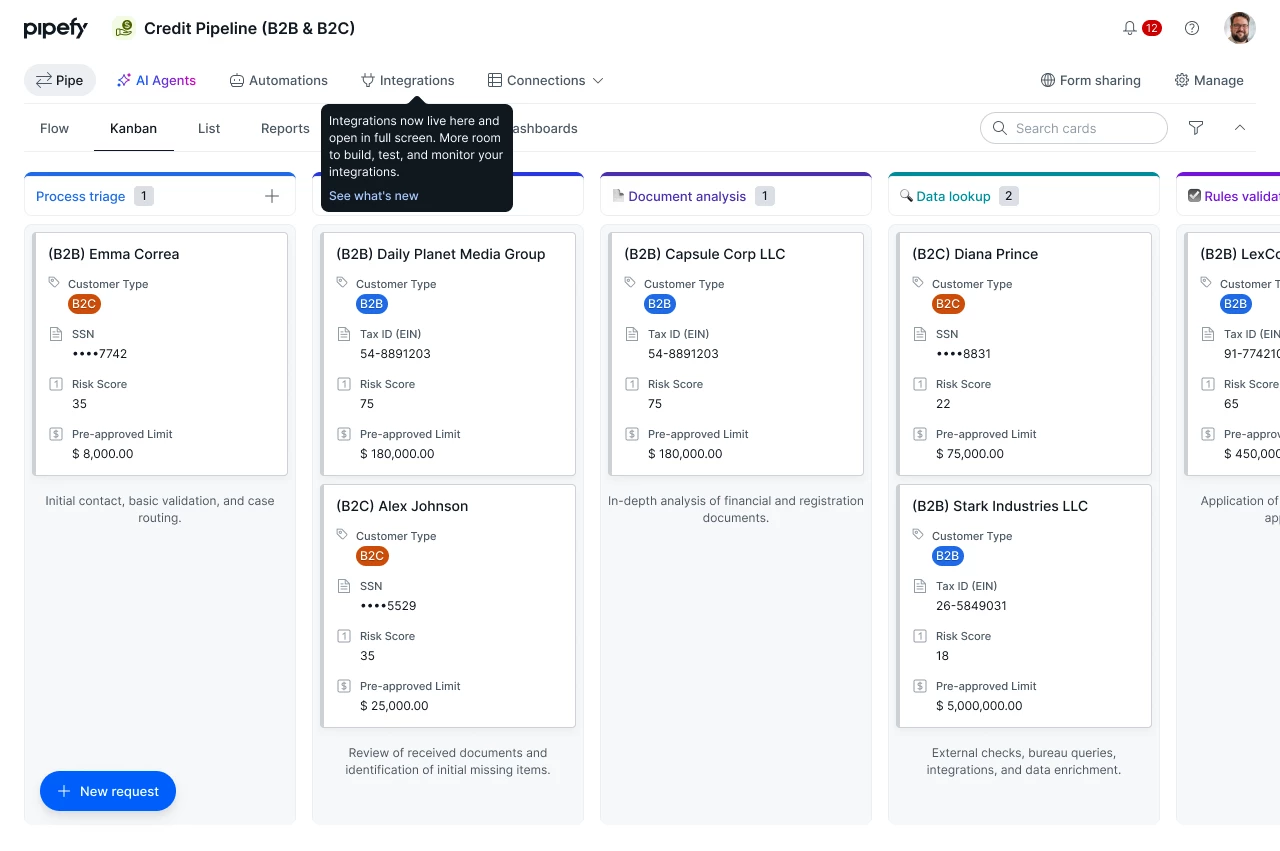
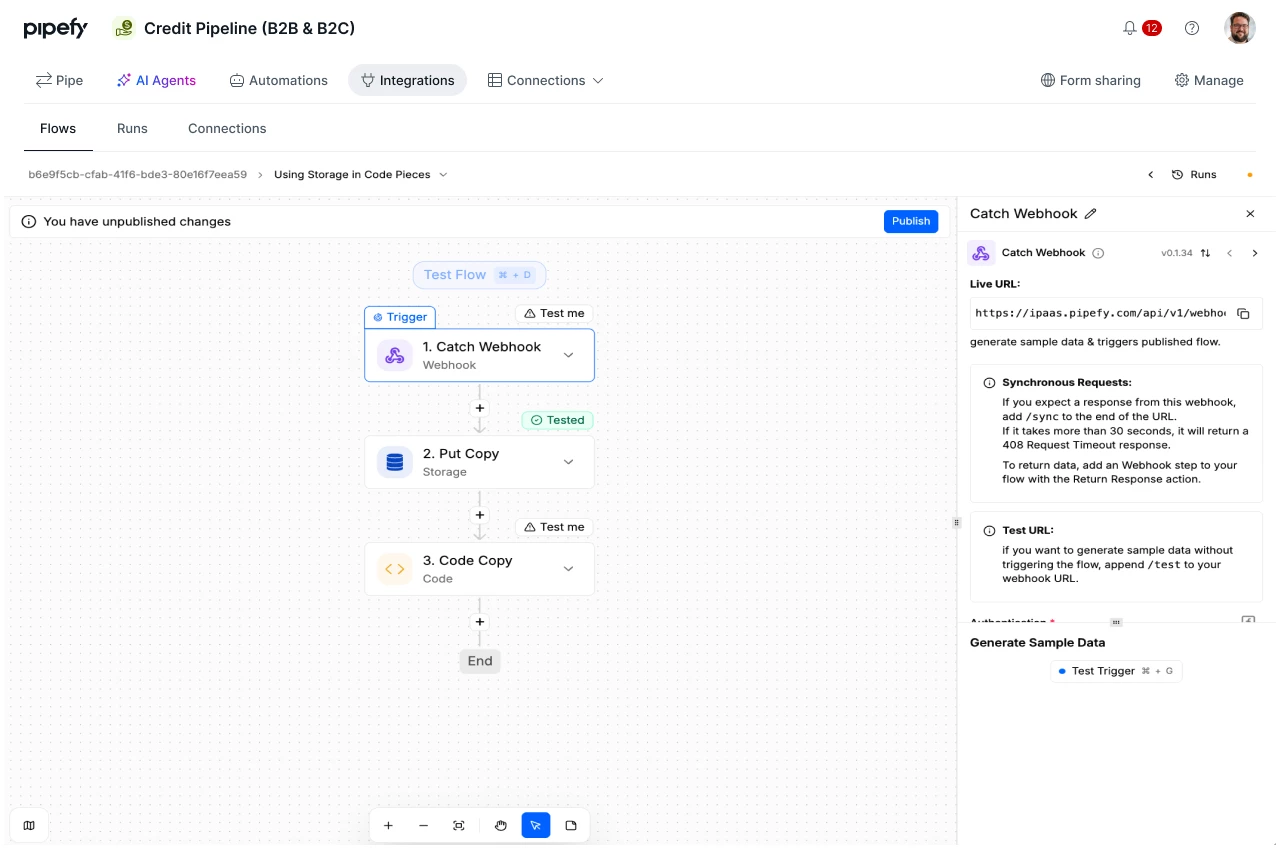
- Full-page canvas for Integrations: building, reviewing, and debugging flows now takes up the full browser window inside the Pipe, with no modal constraints.
- Renamed and repositioned tab: the "Integrate" tab is now called "Integrations" and sits directly next to Automations in the Pipe navigation bar.
- Onboarding tooltip: the first time you look for the tab after the change, a contextual tooltip points you to the new location automatically.
How does this help?
- Room for complex flows: conditional routers, multiple data mappers, and chained steps are all visible at once, without scrolling or zooming inside a modal.
- Unified navigation with Automations: Integrations and Automations sit side by side in the Pipe bar, making it easy to switch between both tools while building.
- Faster review and debug: spotting where a flow fails or reviewing the logic of a multi-step recipe requires fewer clicks and less context switching.
Most relevant for
- Builders and implementers working with multi-step integration flows
- Pipe Admins who audit and maintain active integrations
- Operations teams debugging flows in production
- IT analysts configuring integrations with enterprise systems
